A table for your people
Private online poker
with friends
Bring your friends together for a private game of Texas Hold’em. Invite-only tables, play-money chips, and a little friendly competition.
2–6 players · No account or download needed
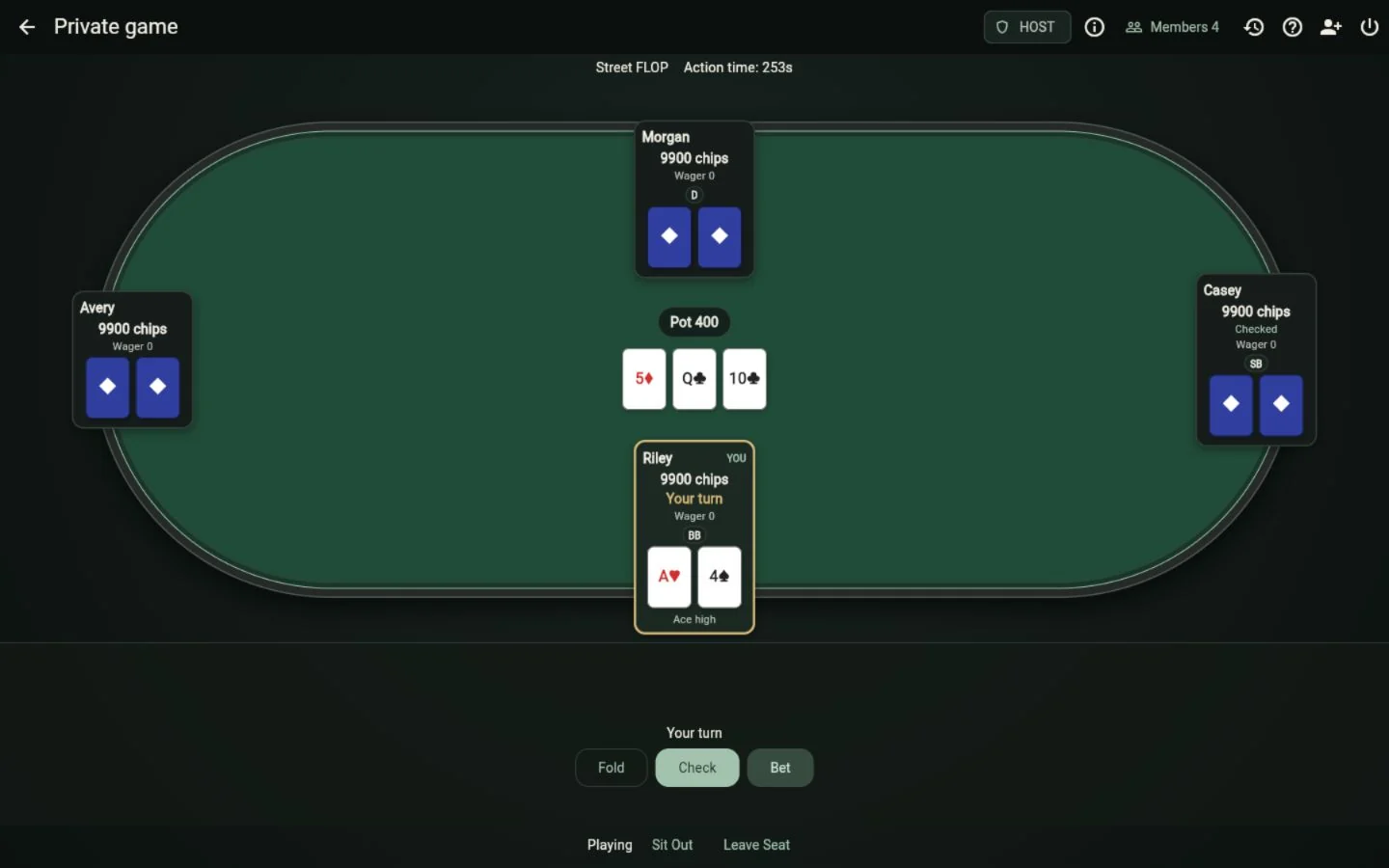
Gather. Deal. Play.
How to play
Create a game
Choose your player name and set the blinds, starting chips, seats, and turn time. You can host one active game at a time.
Invite your friends
Copy the invite link from your game and share it with the people you want at your table.
Choose your seats
Friends open the link, choose a name if needed, and enter the game. Select an open seat to play, or stay unseated to watch.
The host starts play
Once at least two players are seated, the host chooses Start Game. Hands then continue automatically while enough players can play.
A few things to know
Is this real-money poker?
No. Seasons Poker uses play-money chips only. Starting chips and free rebuys belong to your private game; they have no cash value.
How do I invite friends?
Create a game, choose Invite, and copy the invitation link. Your friends open that link to enter your game directly. There is no public matchmaking.
Do I need an account or a download?
No. Play in your browser and choose the name your friends will see. Your guest identity is saved in that browser. Switching browsers or clearing browser storage can create a different identity.
How many people can play?
Two to six seated players can play No-Limit Texas Hold’em. Game members who do not take a seat can watch the public table.
How do I join or resume a game?
Open your friend’s invitation link, or choose Join Game and paste it there. When your saved browser session has an accessible game, Return to Game appears here after it is checked with the server. The Main Menu also offers Return to Game. Refreshing restores your membership and seat; if you were automatically sat out, choose Sit In to play. The host can end the game, and games end after 30 minutes without deliberate activity.
Help & support
Use Help / Report a Problem in the game’s Main Menu for bugs, questions, or suggestions. The form displays the configured support email and does not require an email app. Email seasonspoker@gmail.com.